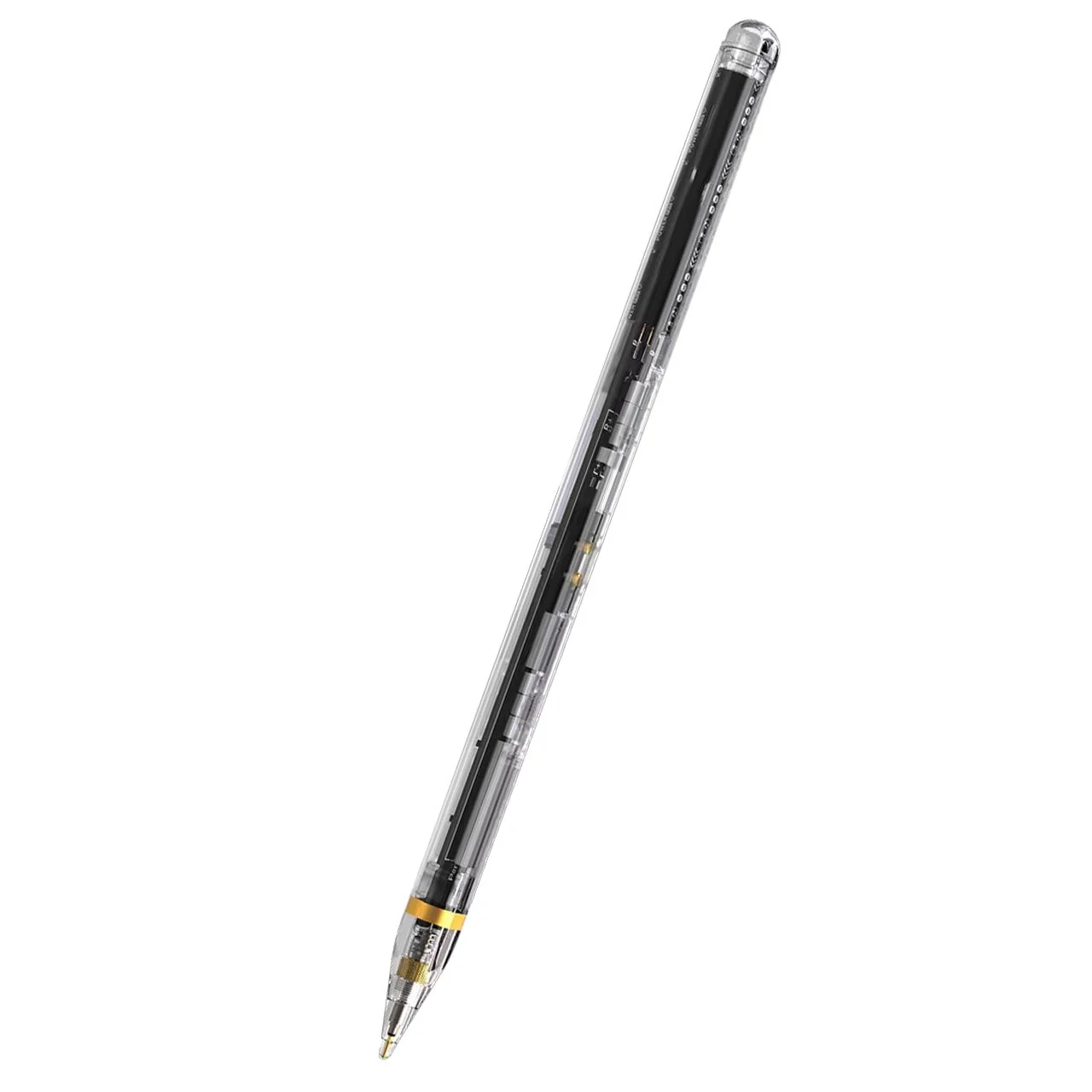
Samsung S Pen Galaxy Tab S9|S9+|S9 Ultra Black
Samsung S Pen Galaxy Tab S9|S9+|S9 Ultra
Enjoy using the S Pen on your Galaxy Tab S9/S9+/S9 Ultra with precision and control. Whether you’re jotting down notes, sketching, or navigating your device, the S Pen feels natural and is sensitive to pressure, making it the ultimate tool for unleashing your creativity.


Precision and ControlThe S Pen allows you to jot down notes, sketch, or navigate your device with precision. It feels natural and is sensitive to pressure, making it ideal for creative tasks. |
Pen-on-Paper FeelExperience near-zero latency when using the S Pen, making it feel like you’re writing on paper. Whether you’re an artist or just need to take quick notes, the S Pen delivers a seamless experience. |
Automatic Text ConversionWrite a note by hand, and the S Pen can automatically convert it to text. This feature is handy for capturing ideas or creating to-do lists. |
Air ActionsWith Air Command, you can personalize your S Pen actions. Hover the S Pen over the screen and press the button to access features like Smart Select, Screen Write, Live Messages, and more. |
Easy to Carry and StoreThe S Pen attaches magnetically to your tablet, where it charges whether you place it up or down. It’s also IP68-certified water-resistant, making it suitable for outdoor adventures. |
Samsung S Pen Galaxy Tab S9|S9+|S9 Ultra
Enjoy using the S Pen on your Galaxy Tab S9/S9+/S9 Ultra with precision and control. Whether you’re jotting down notes, sketching, or navigating your device, the S Pen feels natural and is sensitive to pressure, making it the ultimate tool for unleashing your creativity.
Precision and ControlThe S Pen allows you to jot down notes, sketch, or navigate your device with precision. It feels natural and is sensitive to pressure, making it ideal for creative tasks. |
Pen-on-Paper FeelExperience near-zero latency when using the S Pen, making it feel like you’re writing on paper. Whether you’re an artist or just need to take quick notes, the S Pen delivers a seamless experience. |
Automatic Text ConversionWrite a note by hand, and the S Pen can automatically convert it to text. This feature is handy for capturing ideas or creating to-do lists. |
Air ActionsWith Air Command, you can personalize your S Pen actions. Hover the S Pen over the screen and press the button to access features like Smart Select, Screen Write, Live Messages, and more. |
Easy to Carry and StoreThe S Pen attaches magnetically to your tablet, where it charges whether you place it up or down. It’s also IP68-certified water-resistant, making it suitable for outdoor adventures. |
Description
Samsung S Pen Galaxy Tab S9|S9+|S9 Ultra
Enjoy using the S Pen on your Galaxy Tab S9/S9+/S9 Ultra with precision and control. Whether you’re jotting down notes, sketching, or navigating your device, the S Pen feels natural and is sensitive to pressure, making it the ultimate tool for unleashing your creativity.
Precision and ControlThe S Pen allows you to jot down notes, sketch, or navigate your device with precision. It feels natural and is sensitive to pressure, making it ideal for creative tasks. |
Pen-on-Paper FeelExperience near-zero latency when using the S Pen, making it feel like you’re writing on paper. Whether you’re an artist or just need to take quick notes, the S Pen delivers a seamless experience. |
Automatic Text ConversionWrite a note by hand, and the S Pen can automatically convert it to text. This feature is handy for capturing ideas or creating to-do lists. |
Air ActionsWith Air Command, you can personalize your S Pen actions. Hover the S Pen over the screen and press the button to access features like Smart Select, Screen Write, Live Messages, and more. |
Easy to Carry and StoreThe S Pen attaches magnetically to your tablet, where it charges whether you place it up or down. It’s also IP68-certified water-resistant, making it suitable for outdoor adventures. |