🎉 Up to 70% Off Selected ItemsShop Sale
HomeStore

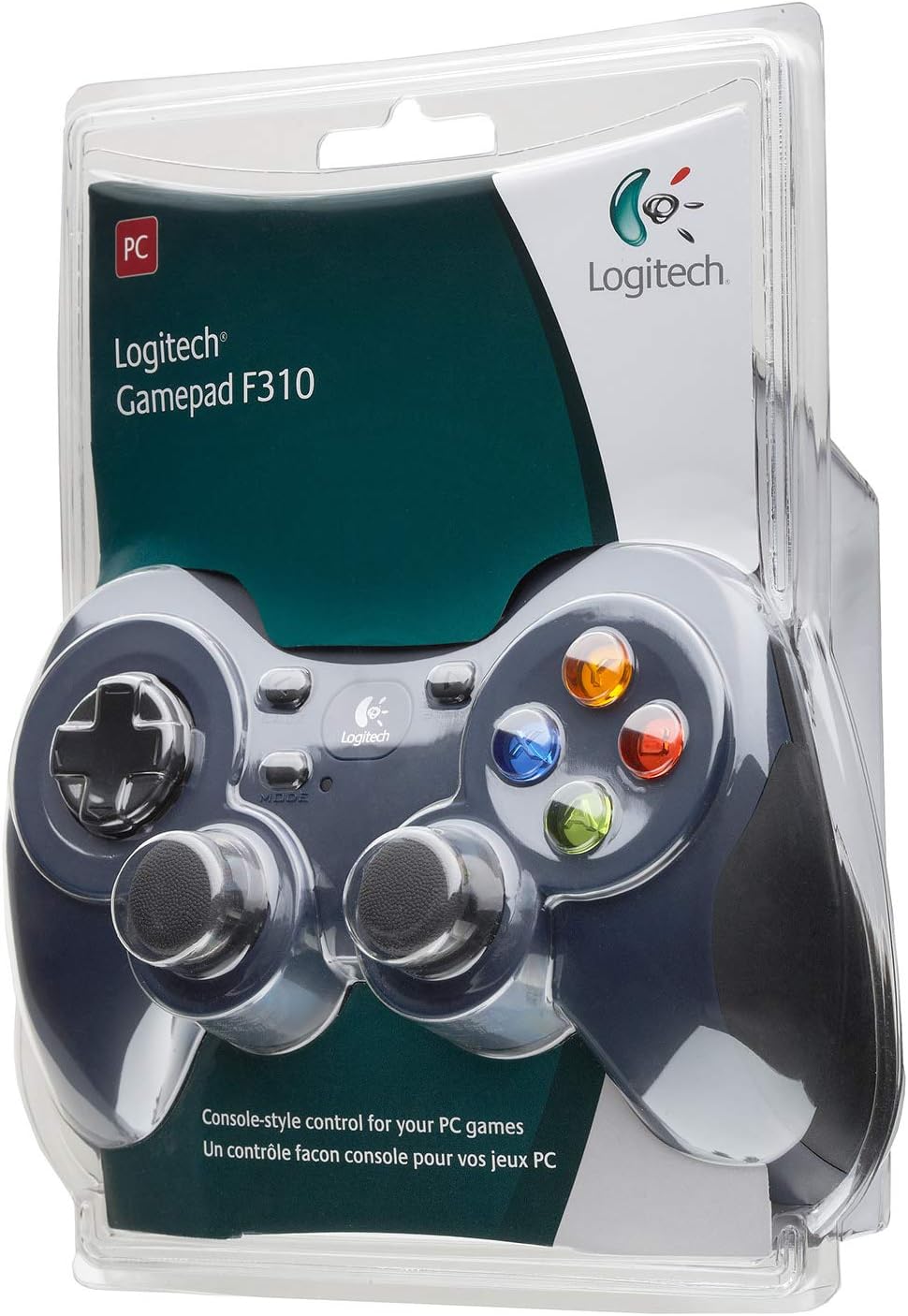
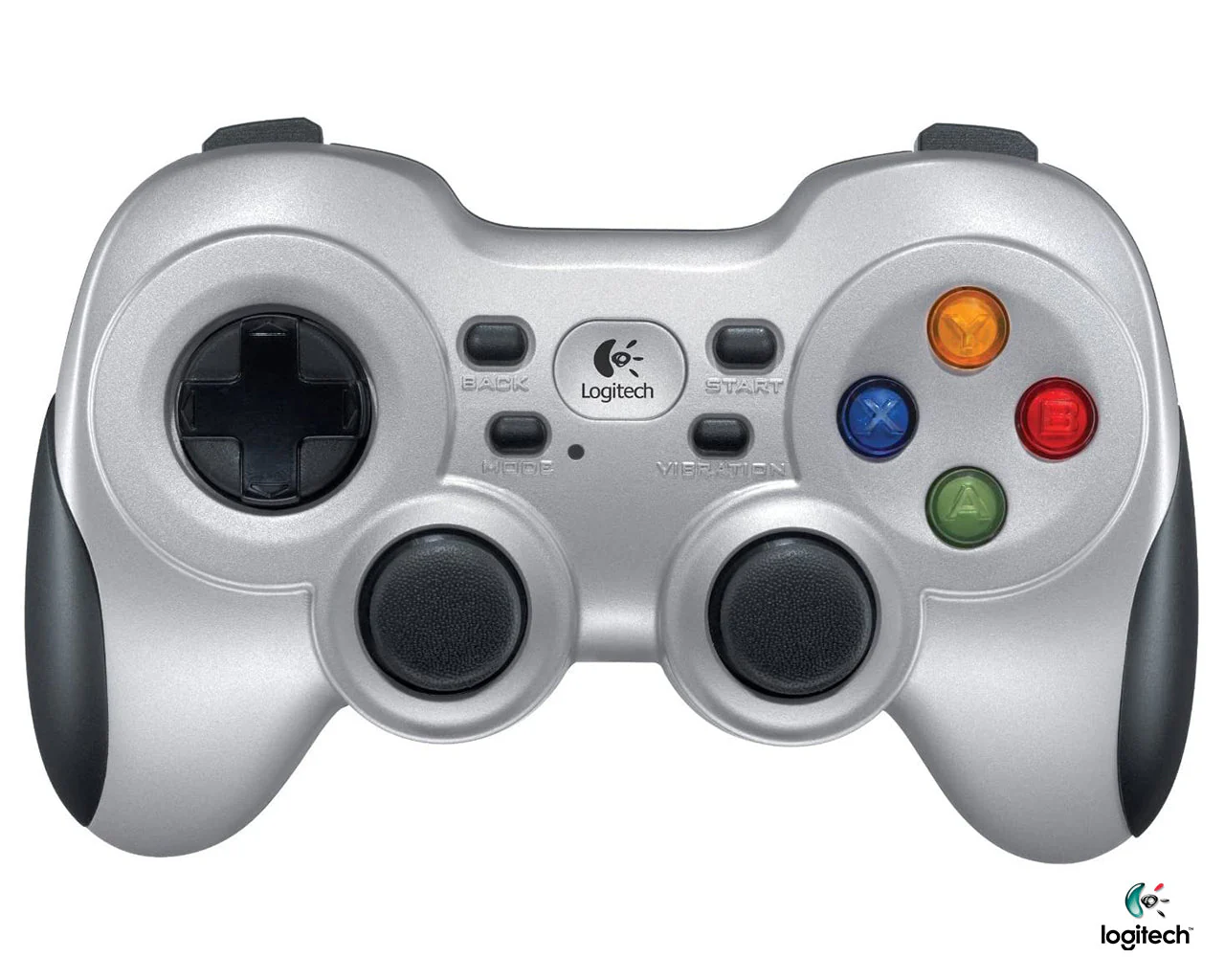
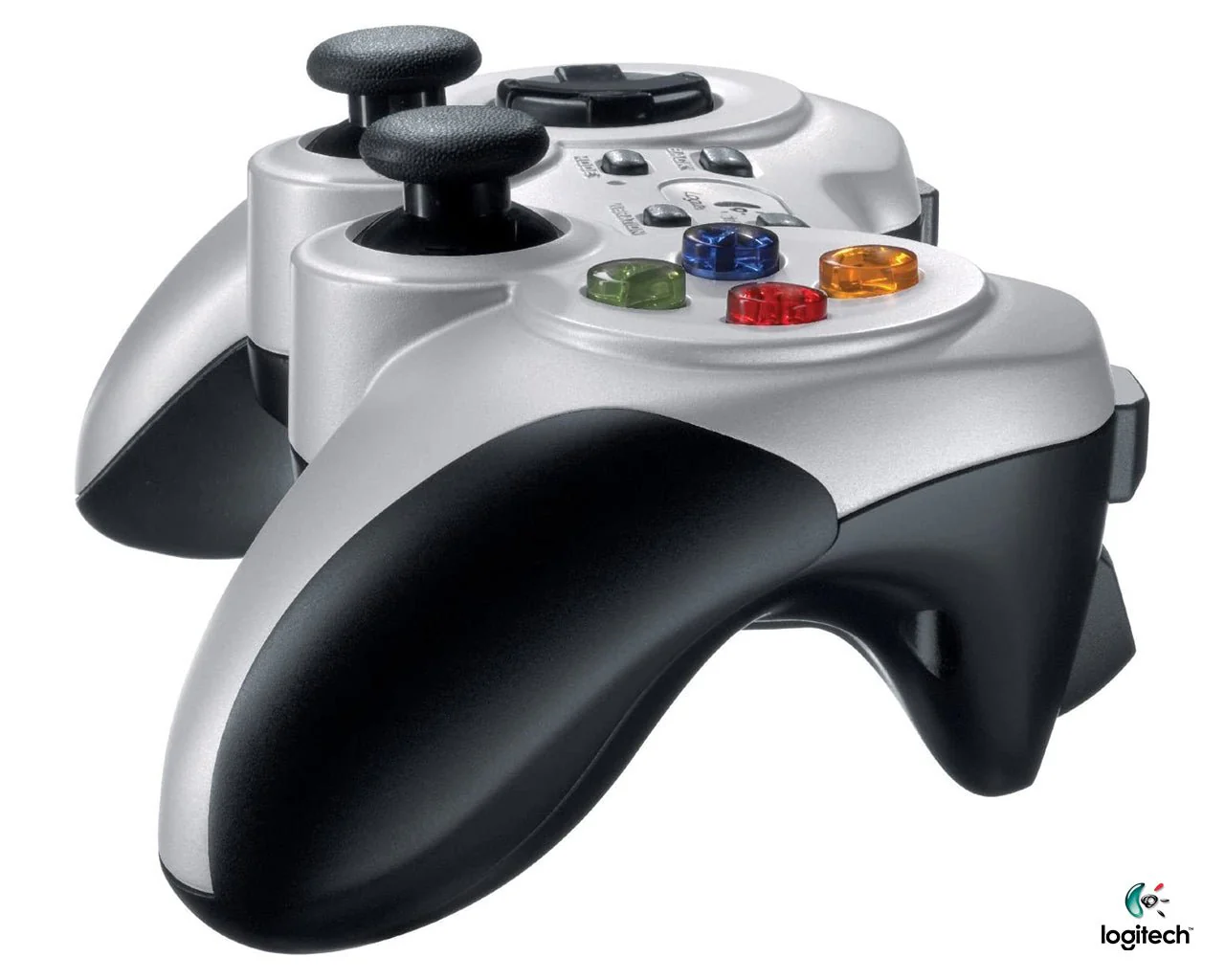
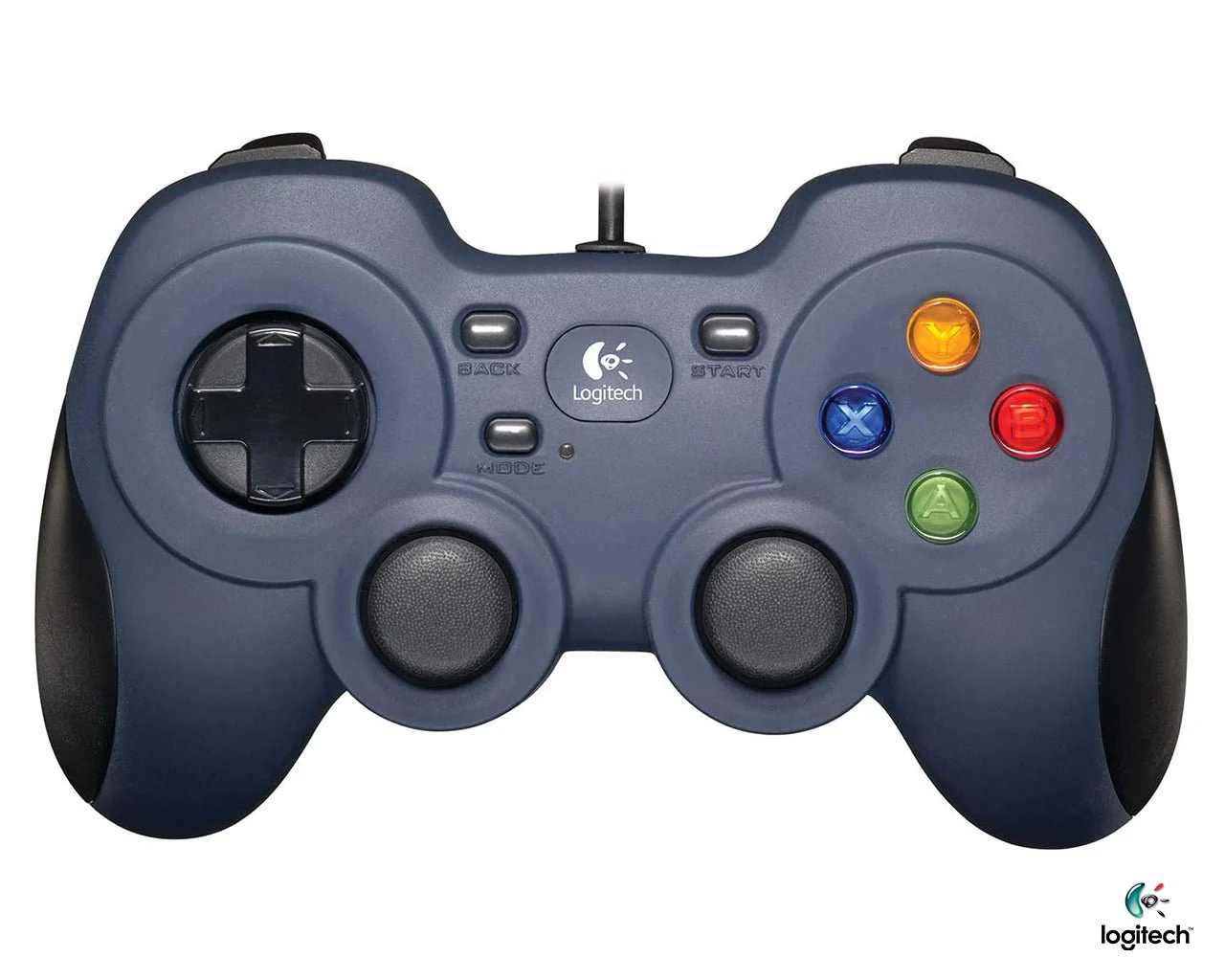
Logitech F310 Gamepad

Product image 1
1 / 3

Logitech F310 Gamepad

EXTENSIVE GAME SUPPORT
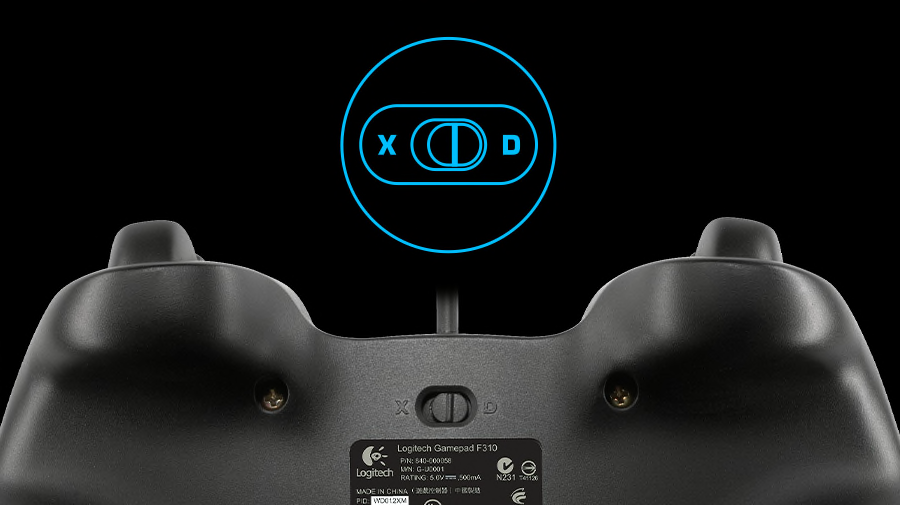
Play hits and classics. Play console ports with their native-style controller or adopt a more relaxed position while enjoying PC games. F310 is easy to set up and use with your favorite games thanks to XInput/DirectInput Requires software installation for DirectInput mode. —the two most common input standards.
 
F310 | Game Support
   

STEAM BIG PICTURE

Play on your TV. Pair the F310 with Big Picture and navigate Steam, surf the web, play games and more from the comfort of your couch. Bring your entire library of Steam games to the living room, grab your F310, sit back, and enjoy.
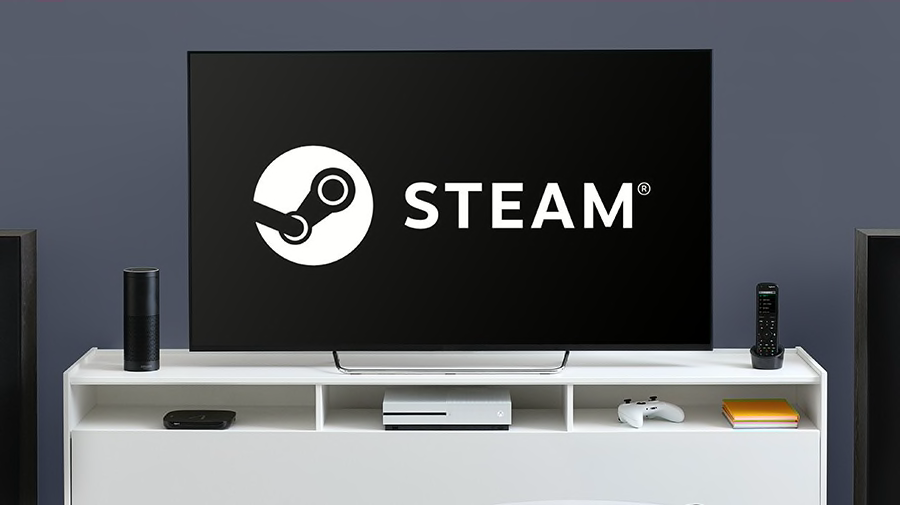
Play on your TV

FAMILIAR CONSOLE-LIKE LAYOUT

Pick up and play. Your instincts will guide your actions over the familiar layout. You’ll be off and gaming in no time. Crafted for a console-like control experience and innovated from traditional design, F310 fits like a glove.
    

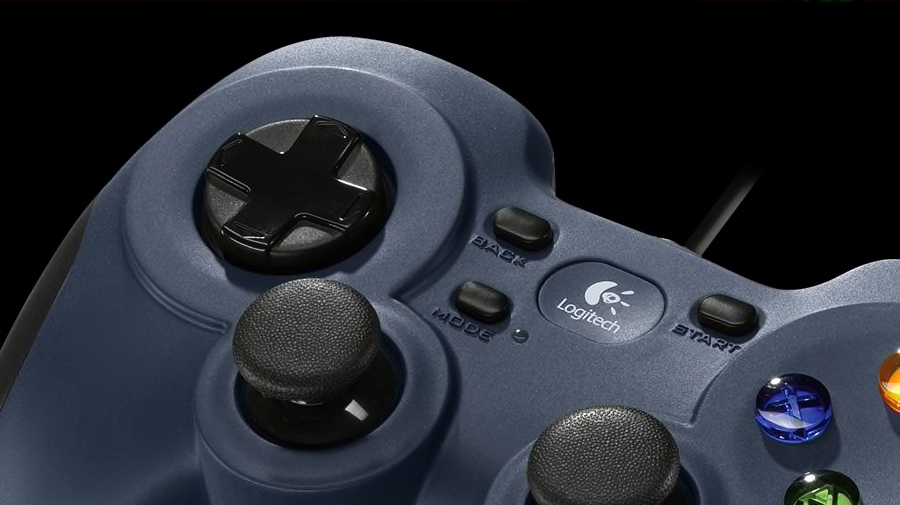
EXCLUSIVE 4-SWITCH D-PAD

Standard D-pads rest on a single pivot point, resulting in mushy control. The D-pad glides over four individual switches for a more responsive, tactile feel.
 
F310 Gamepad
 

WORKS WITH CHROMEBOOK CERTIFIED

Meet the gear from Logitech G that’s certified Works With Chromebook. The Works With Chromebook badge means that this Logitech G gear meets compatibility standards to work seamlessly with Chromebooks.
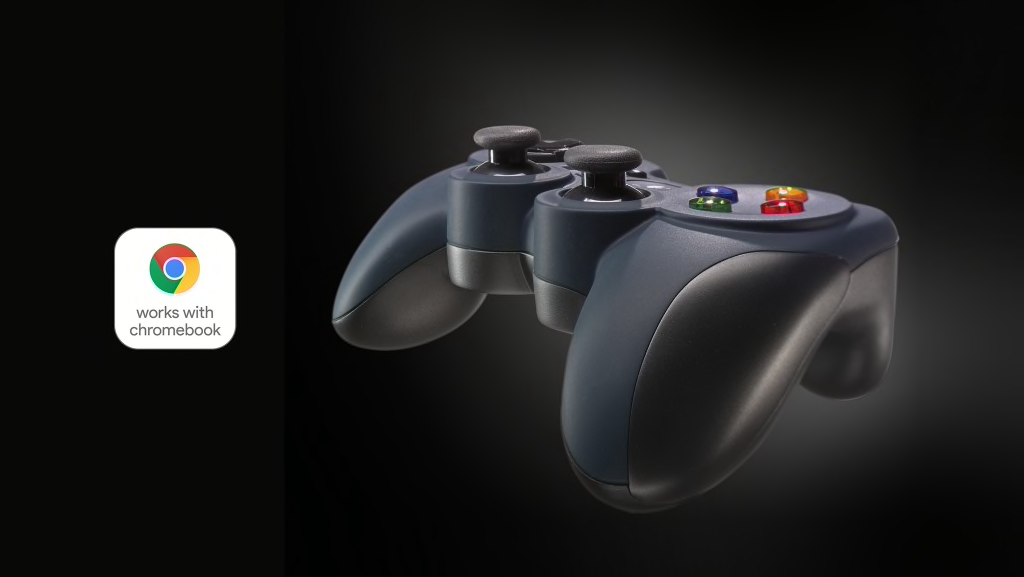
WORKS WITH CHROMEBOOK CERTIFIED

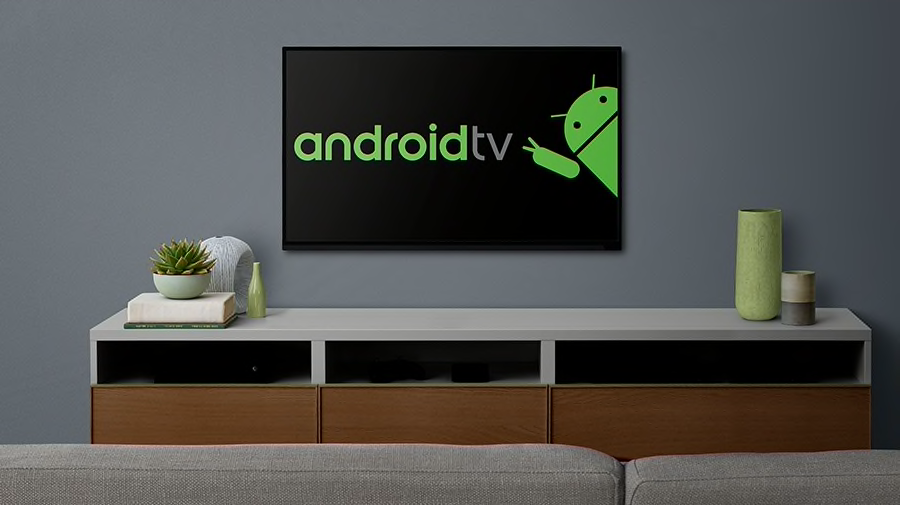
WORKS WITH ANDROID TV

Our game controllers work well with Sony Android TV™s. With the controller switch in XID mode, our console-like layout will give you the edge as you compete. Smooth curves and contoured rubber grips provide long, comfortable play sessions. Standard Android TV controls - provided through the Logitech Logo button on the gamepad together with the Back key on the controller - allow you to navigate your Android TV seamlessly.
 
Works with Android TV
      

EASY TO SET UP AND USE

Adapt and customize. Change the standard commands or adapt F310 for play with an unsupported title, using Logitech profiler software. Buttons and controls are fully programmable and can even mimic keyboard and mouse commands.

SPECIFICATIONS


EXTENSIVE GAME SUPPORT

Play hits and classics. Play console ports with their native-style controller or adopt a more relaxed position while enjoying PC games. F310 is easy to set up and use with your favorite games thanks to XInput/DirectInput Requires software installation for DirectInput mode. —the two most common input standards.
 
F310 | Game Support
   

STEAM BIG PICTURE

Play on your TV. Pair the F310 with Big Picture and navigate Steam, surf the web, play games and more from the comfort of your couch. Bring your entire library of Steam games to the living room, grab your F310, sit back, and enjoy.

Play on your TV

FAMILIAR CONSOLE-LIKE LAYOUT

Pick up and play. Your instincts will guide your actions over the familiar layout. You’ll be off and gaming in no time. Crafted for a console-like control experience and innovated from traditional design, F310 fits like a glove.
    

EXCLUSIVE 4-SWITCH D-PAD

Standard D-pads rest on a single pivot point, resulting in mushy control. The D-pad glides over four individual switches for a more responsive, tactile feel.
 
F310 Gamepad
 

WORKS WITH CHROMEBOOK CERTIFIED

Meet the gear from Logitech G that’s certified Works With Chromebook. The Works With Chromebook badge means that this Logitech G gear meets compatibility standards to work seamlessly with Chromebooks.

WORKS WITH CHROMEBOOK CERTIFIED

WORKS WITH ANDROID TV

Our game controllers work well with Sony Android TV™s. With the controller switch in XID mode, our console-like layout will give you the edge as you compete. Smooth curves and contoured rubber grips provide long, comfortable play sessions. Standard Android TV controls - provided through the Logitech Logo button on the gamepad together with the Back key on the controller - allow you to navigate your Android TV seamlessly.
 
Works with Android TV
      

EASY TO SET UP AND USE

Adapt and customize. Change the standard commands or adapt F310 for play with an unsupported title, using Logitech profiler software. Buttons and controls are fully programmable and can even mimic keyboard and mouse commands.

SPECIFICATIONS


$7.02

Original: $23.39

-70%
Logitech F310 Gamepad

$23.39

$7.02

Description

EXTENSIVE GAME SUPPORT

Play hits and classics. Play console ports with their native-style controller or adopt a more relaxed position while enjoying PC games. F310 is easy to set up and use with your favorite games thanks to XInput/DirectInput Requires software installation for DirectInput mode. —the two most common input standards.
 
F310 | Game Support
   

STEAM BIG PICTURE

Play on your TV. Pair the F310 with Big Picture and navigate Steam, surf the web, play games and more from the comfort of your couch. Bring your entire library of Steam games to the living room, grab your F310, sit back, and enjoy.

Play on your TV

FAMILIAR CONSOLE-LIKE LAYOUT

Pick up and play. Your instincts will guide your actions over the familiar layout. You’ll be off and gaming in no time. Crafted for a console-like control experience and innovated from traditional design, F310 fits like a glove.
    

EXCLUSIVE 4-SWITCH D-PAD

Standard D-pads rest on a single pivot point, resulting in mushy control. The D-pad glides over four individual switches for a more responsive, tactile feel.
 
F310 Gamepad
 

WORKS WITH CHROMEBOOK CERTIFIED

Meet the gear from Logitech G that’s certified Works With Chromebook. The Works With Chromebook badge means that this Logitech G gear meets compatibility standards to work seamlessly with Chromebooks.

WORKS WITH CHROMEBOOK CERTIFIED

WORKS WITH ANDROID TV

Our game controllers work well with Sony Android TV™s. With the controller switch in XID mode, our console-like layout will give you the edge as you compete. Smooth curves and contoured rubber grips provide long, comfortable play sessions. Standard Android TV controls - provided through the Logitech Logo button on the gamepad together with the Back key on the controller - allow you to navigate your Android TV seamlessly.
 
Works with Android TV
      

EASY TO SET UP AND USE

Adapt and customize. Change the standard commands or adapt F310 for play with an unsupported title, using Logitech profiler software. Buttons and controls are fully programmable and can even mimic keyboard and mouse commands.

SPECIFICATIONS


You may also like

NEW
Thumbnail 1Thumbnail 2

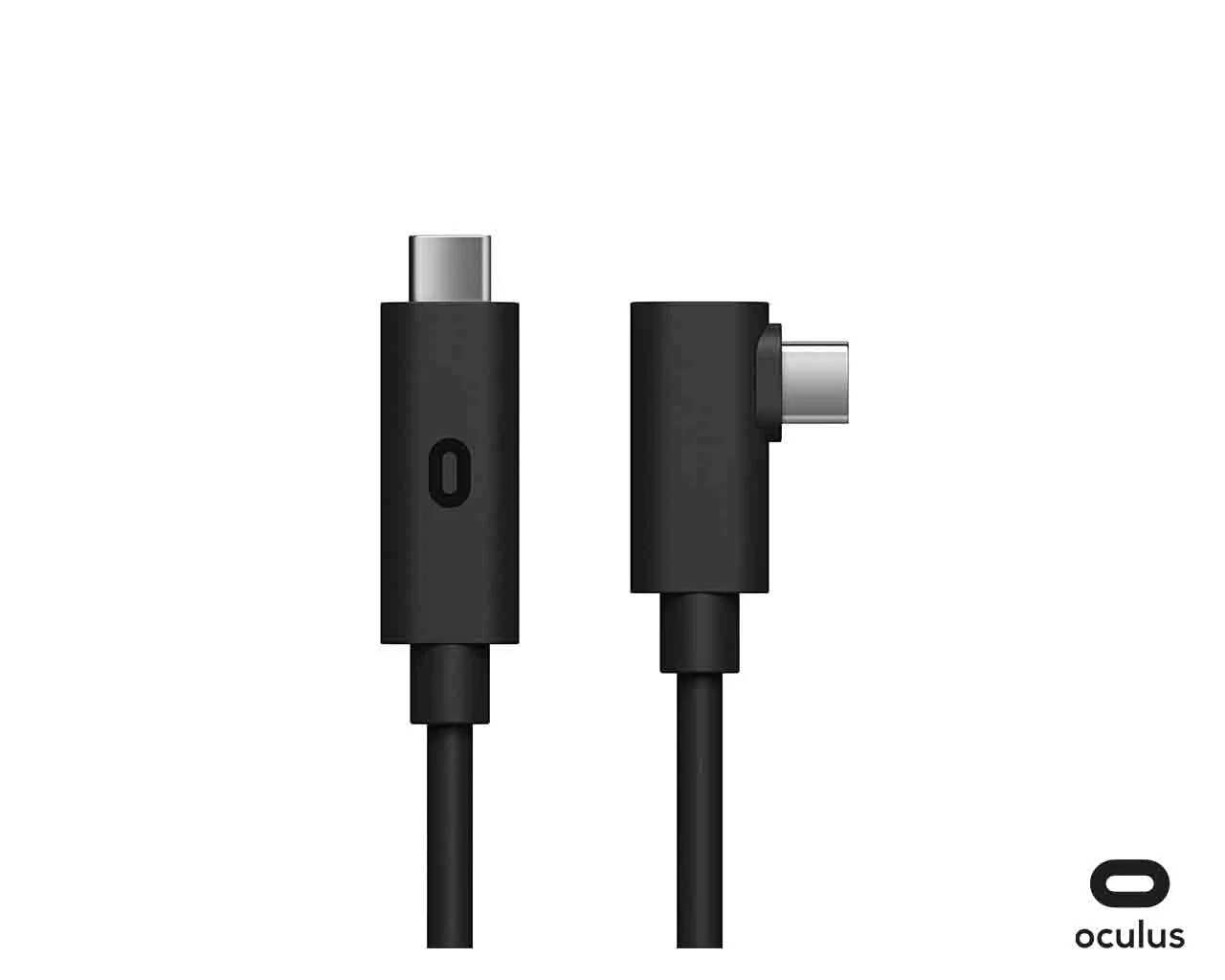
Oculus Link Virtual Reality Headset Cable

$107.90

-70%NEW
Thumbnail 1Thumbnail 2

Razer Goliathus Control Gravity Gaming Mouse

$11.26

$3.38

-70%NEW
Thumbnail 1Thumbnail 2

Razer Goliathus Control Fissure Mouse Pad

$11.26

$3.38

-70%NEW
Thumbnail 1

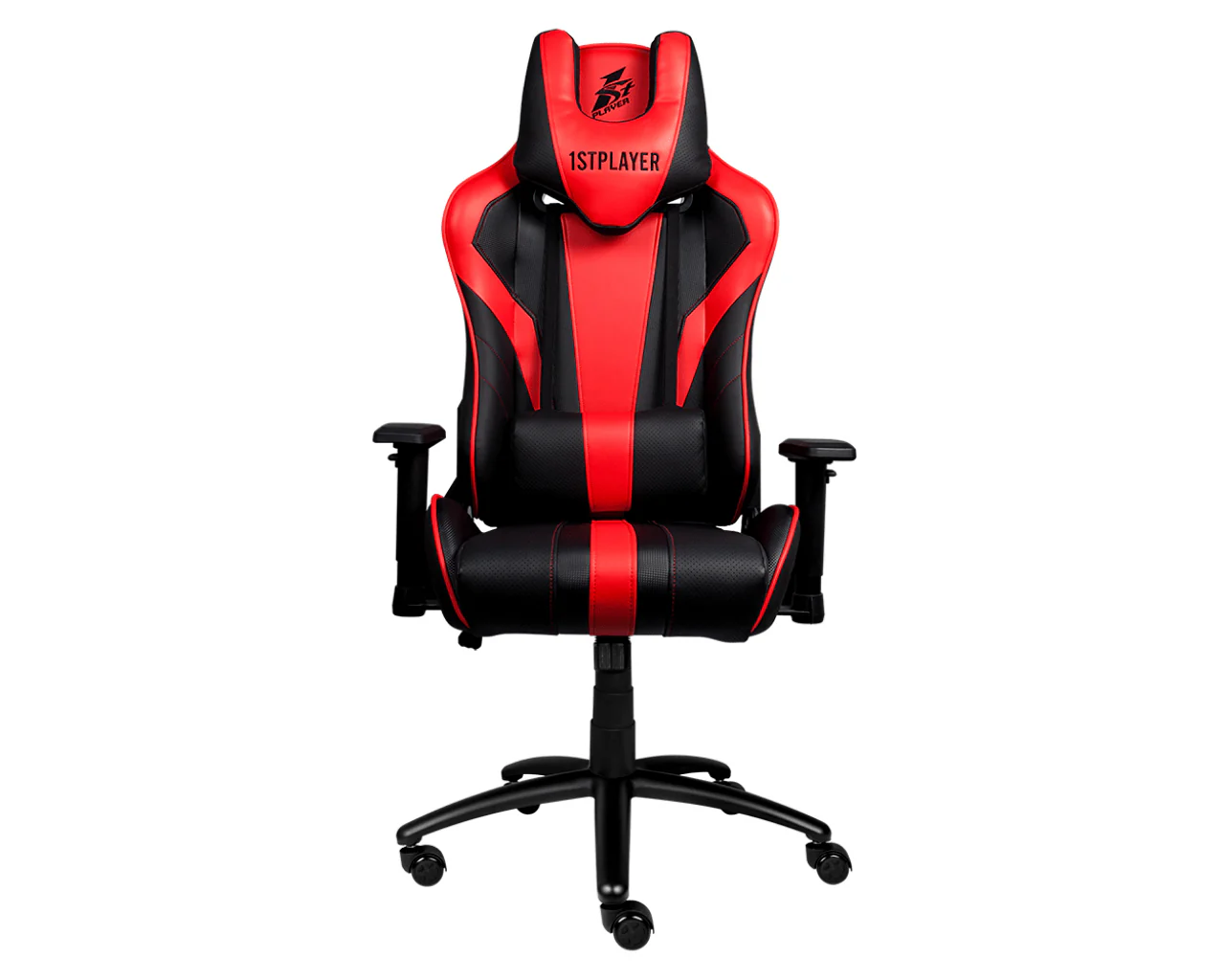
1STPLAYER Gaming Chair FK2

$158.31

$47.49

-70%NEW
Thumbnail 1Thumbnail 2

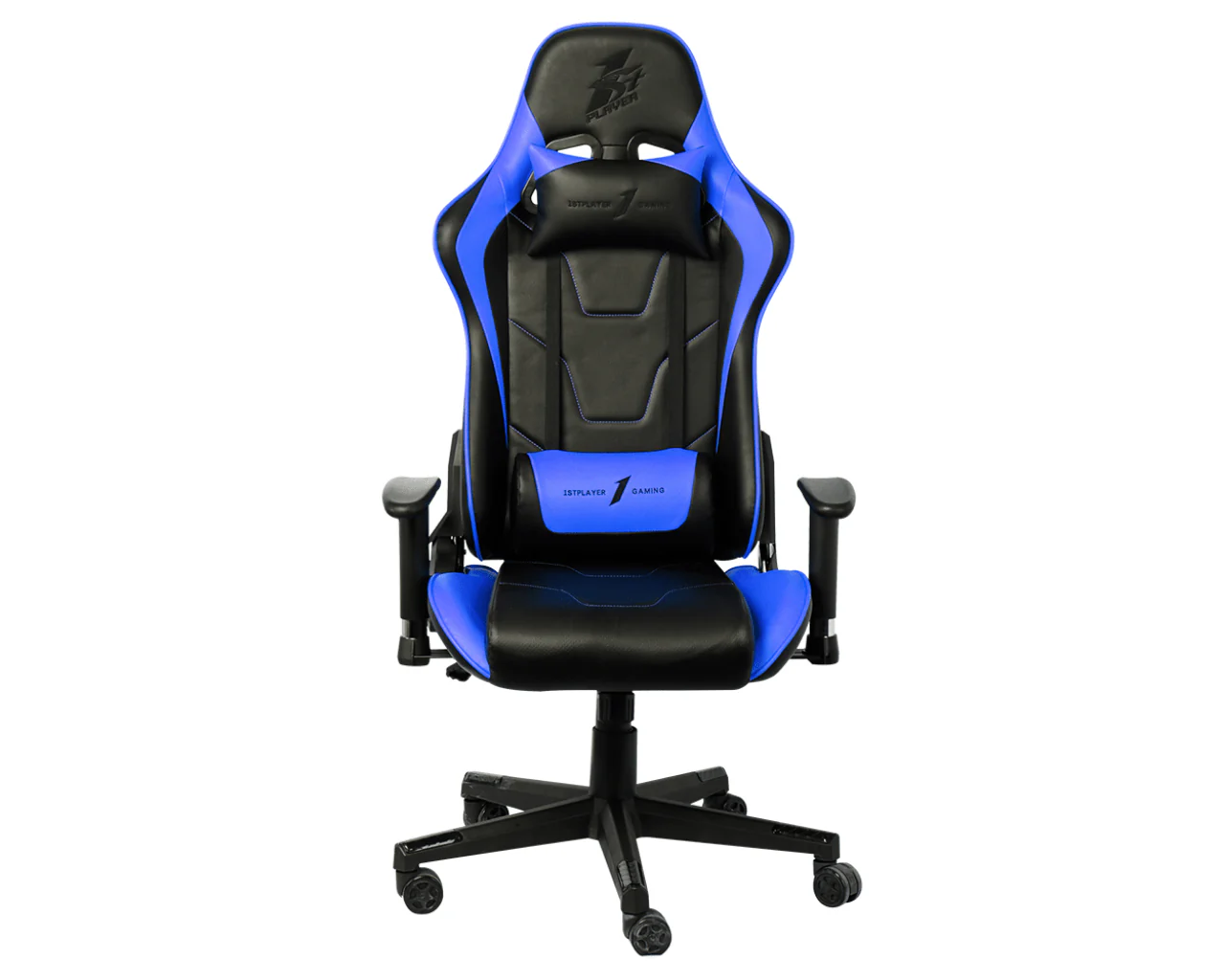
1STPLAYER Gaming Chair FK1

$170.37

$51.11

NEW
Thumbnail 1Thumbnail 2

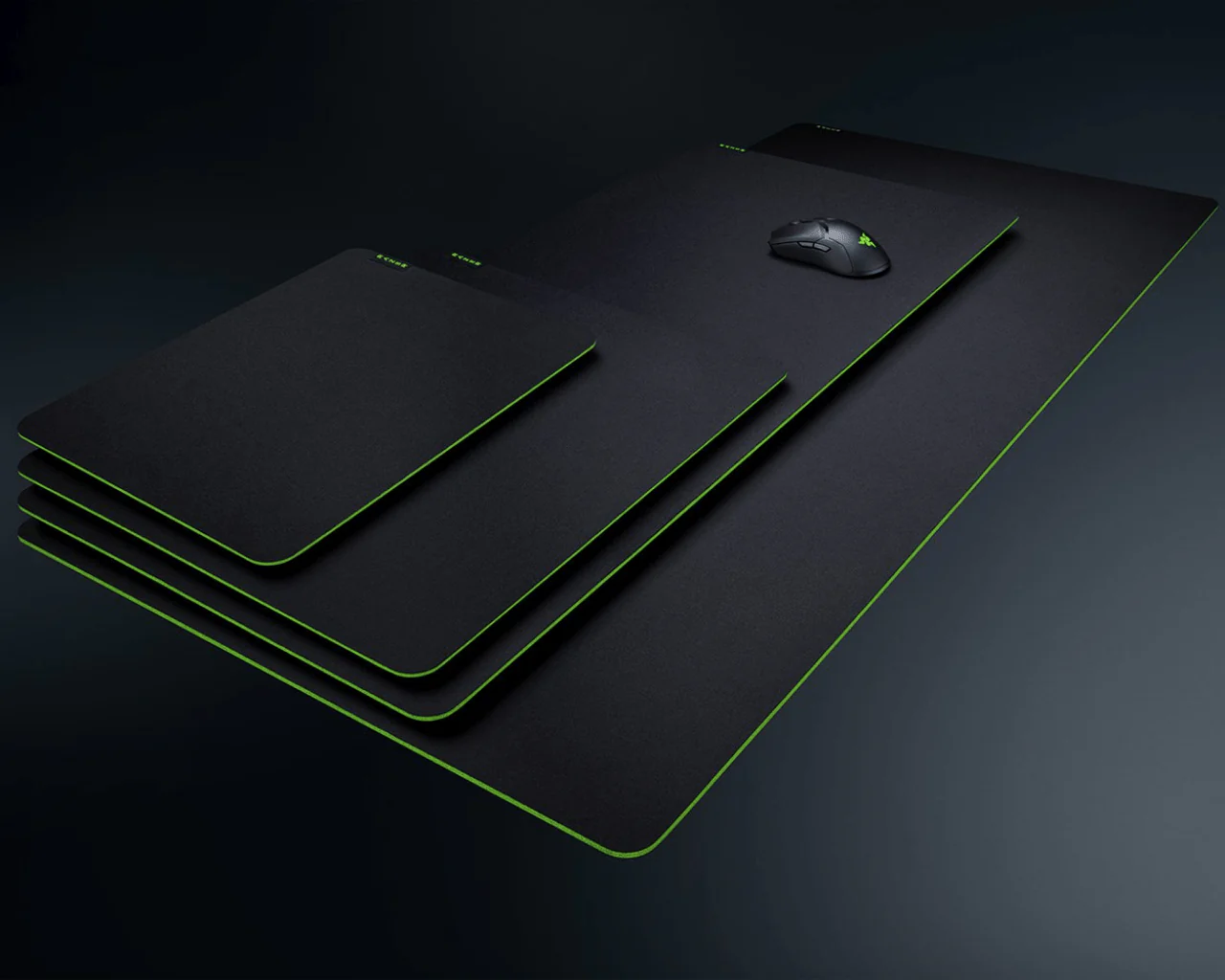
Razer Gigantus V2 Soft Gaming Mouse Mat for Speed and Control

$16.19

-70%NEW
Thumbnail 1Thumbnail 2

Google Stadia Premiere Edition Controller + Chromecast Ultra

$62.97

$18.89

-70%NEW
Thumbnail 1Thumbnail 2

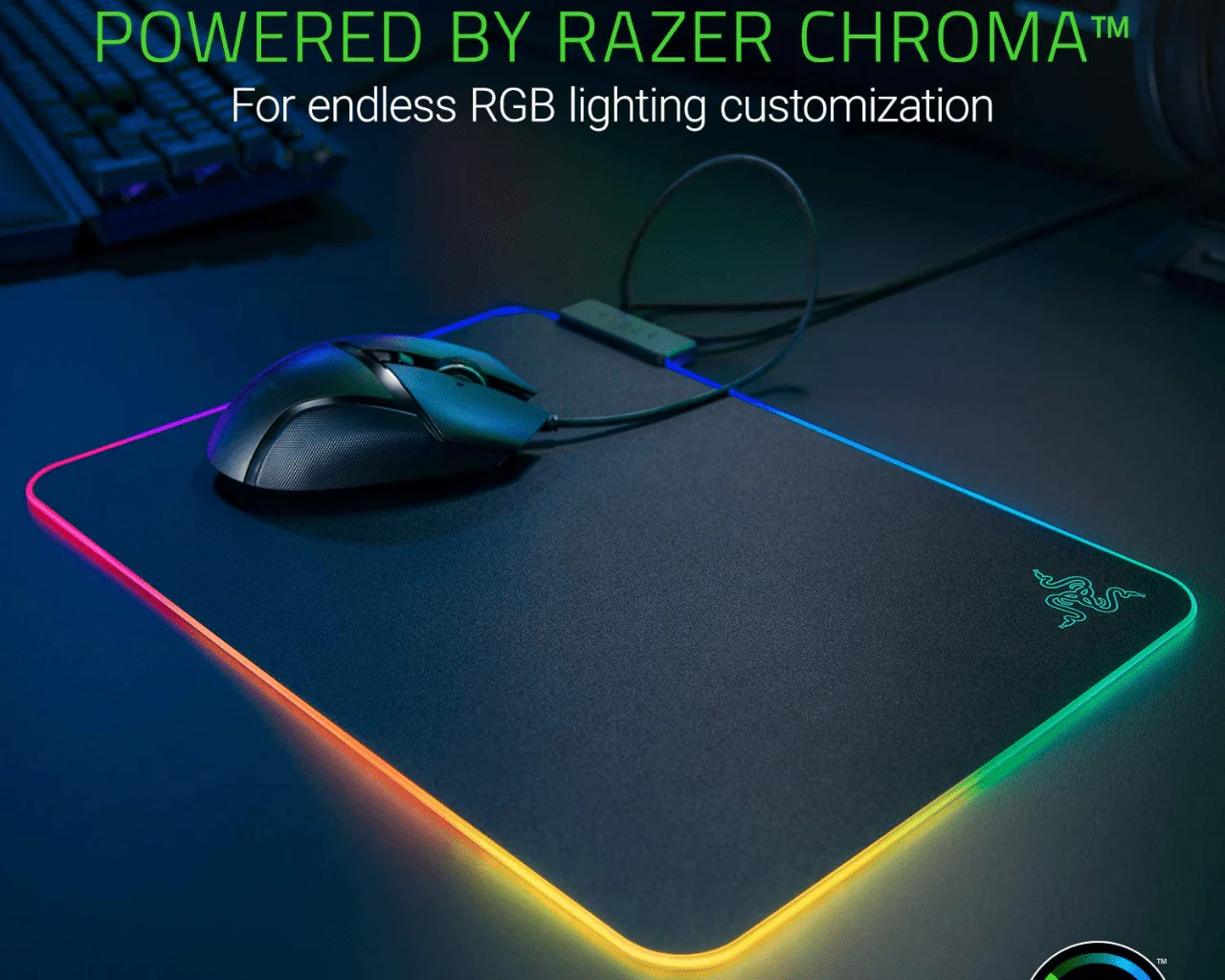
Razer Firefly RGB Micro Texture Mouse Pads

$46.88

$14.06

-70%NEW
Thumbnail 1Thumbnail 2

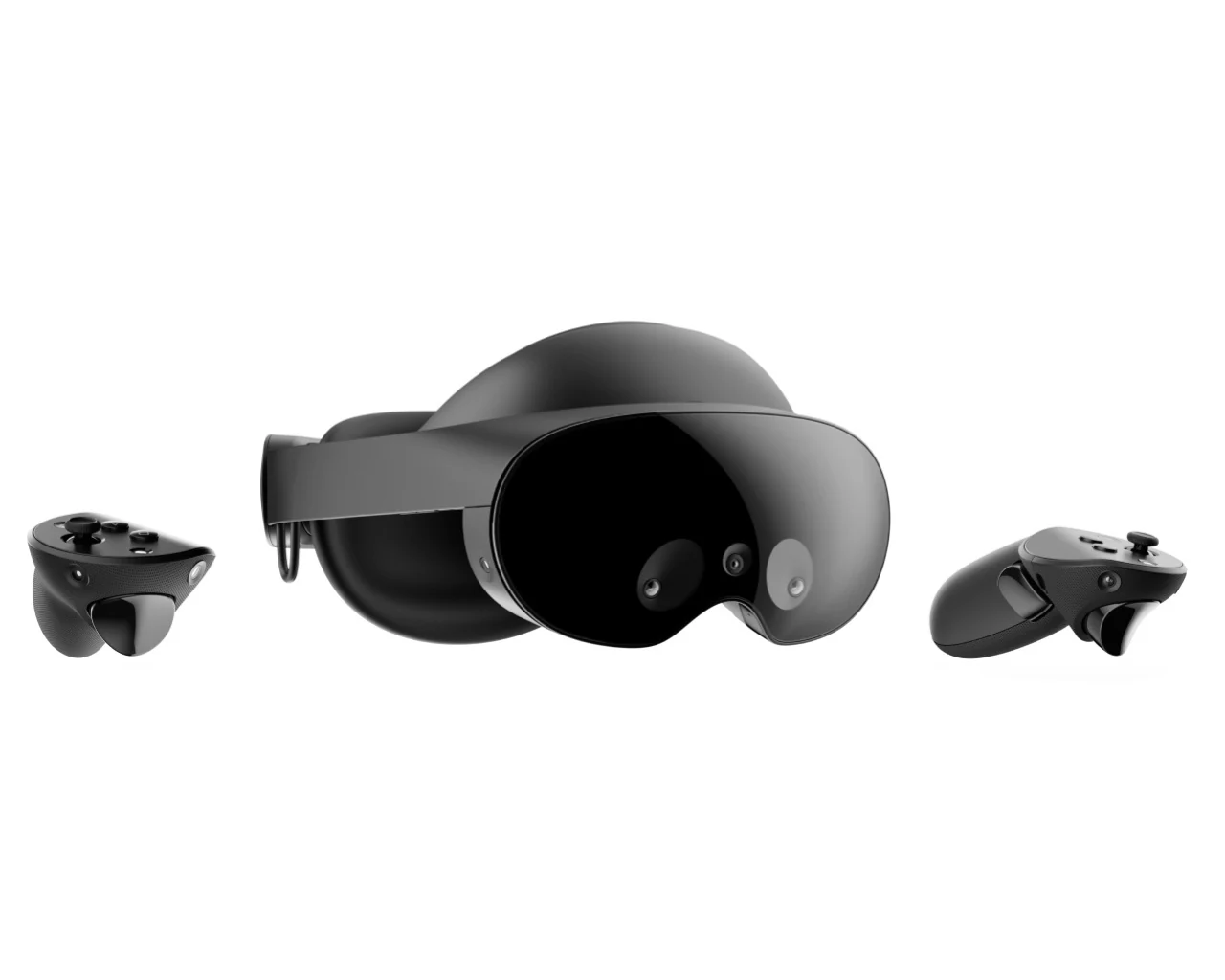
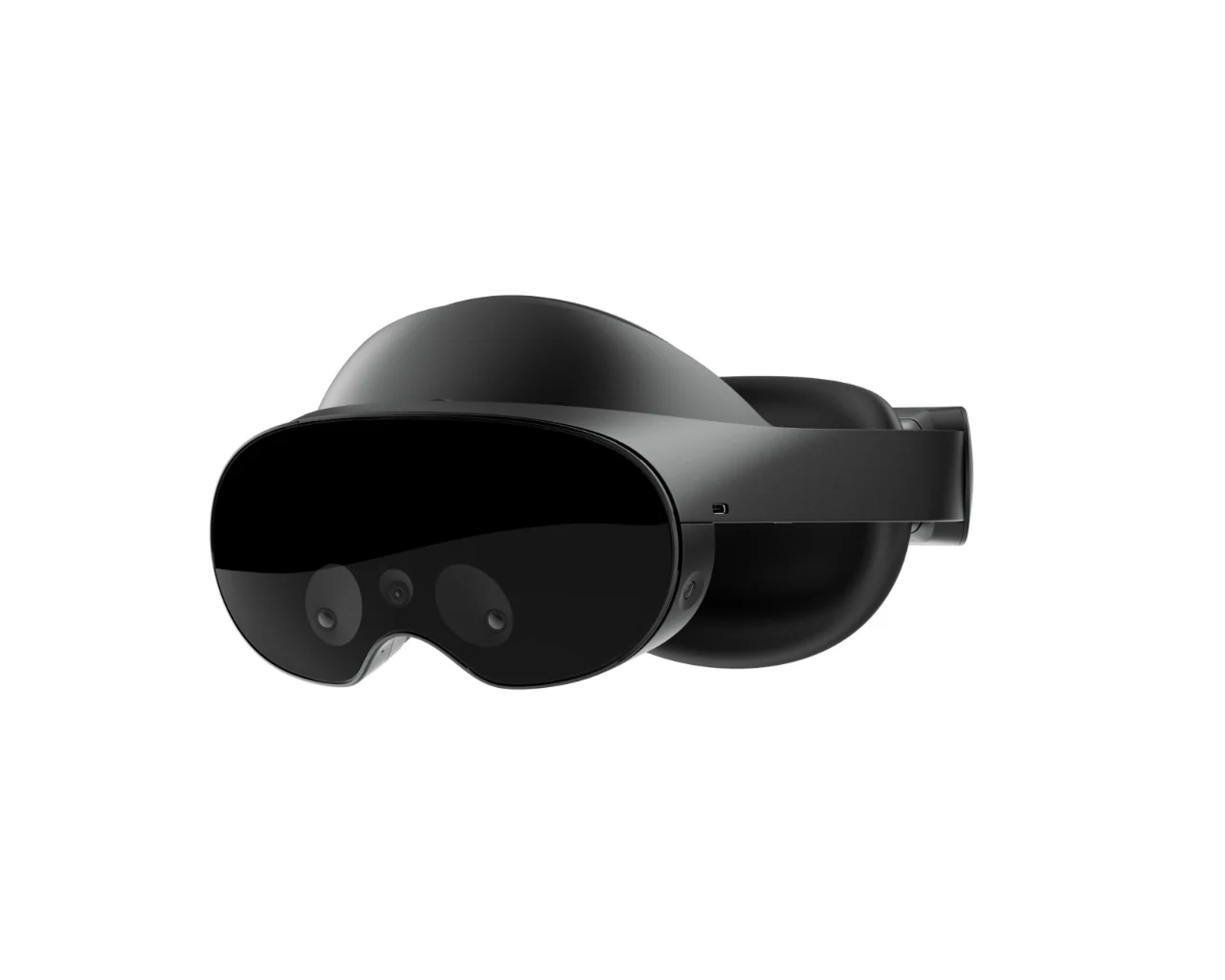
Meta Quest Pro VR Headset 256GB

$1,136.43

$340.93

-70%NEW
Thumbnail 1Thumbnail 2

Logitech F710 Wireless Gamepad

$35.62

$10.69

-70%NEW
Thumbnail 1Thumbnail 2

Logitech Extreme 3D Pro Joystick

$46.88

$14.06